
Favorite languages
Keep everyday choices in the quick menu. Manage the full supported list in Settings.
CAPTIONS FOR MAC AUDIO
Follow a video, keep up with a class, or revisit a discussion. Turn the audio you choose into readable captions, with the original and translation close at hand.
macOS 27+ · Apple silicon · Ages 18+
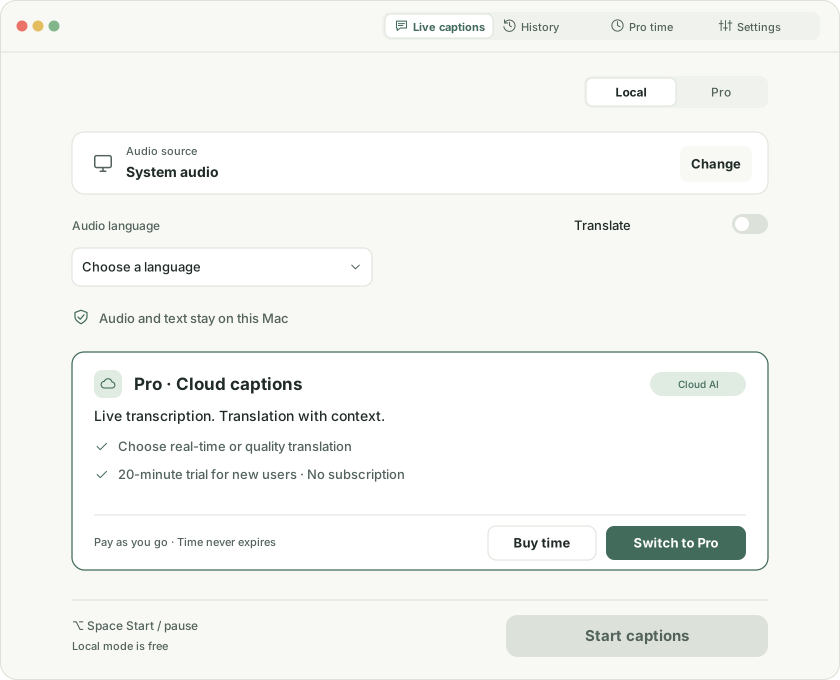
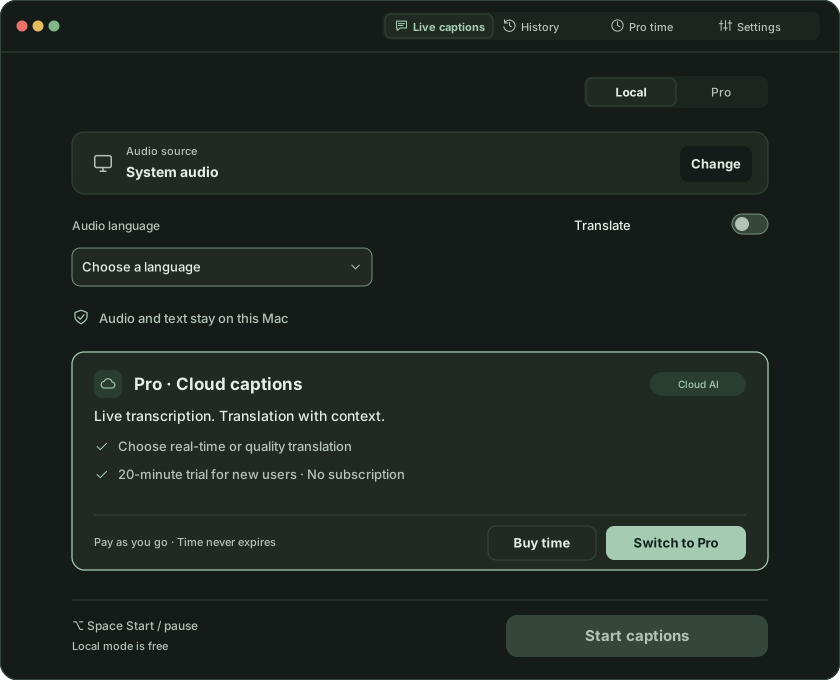
Caption the video, podcast, or class playing on your Mac.
Choose just the application you want to caption.
Turn speech around you into readable text.
ONE SESSION, TWO WAYS TO READ
先选择你想生成字幕的音频。First, choose the audio you want to caption.
你可以随时暂停,再在准备好后继续。You can pause at any time, then continue when you’re ready.
前面的内容仍可回看。Earlier content stays available to review.
Keep captions near the edge of the picture. Adjust text size, lines, and position to suit your screen.
Original, translation, or both. Choose the order.
USEFUL DURING AND AFTER A SESSION
Keep everyday choices in the quick menu. Manage the full supported list in Settings.
With history enabled, review, search, and export captions on your Mac. Originals and translations remain distinct.
START WITH FREE LOCAL MODE
One app. Choose what you need. No separate Audelue account.
Transcription and translation on this Mac.
Availability depends on language and device resources.
Cloud transcription, with real-time or quality translation.
One trial per eligible account. Buy time in the app as needed, with no subscription. Regional prices appear in the store.
KNOW WHERE YOUR DATA GOES
Local mode processes on your device. Pro asks for consent before cloud processing. Choose whether to save local history, and pause or end a session at any time.
Read the privacy policy ↗An Apple silicon Mac running macOS 27 or later is required. Language resources and individual features depend on system support.
Choose system audio, a specific app, or a microphone for content you have the right to process. Capture requires macOS permission. Protected content is not guaranteed to work.
Apple local mode is free. Eligible App Store accounts can claim one 20-minute Pro trial, then buy time packs as needed.
Pro uses the time a session is running. Pausing stops usage. Silence still counts while the session is running.
Restore your Pro balance on devices with the same Apple-verified ownership. Caption history stays on each Mac and does not automatically sync to the cloud.
The public version needs no provider keys or separate Audelue login. Choose local mode or an available Pro service.